Student Orientation
Questions? Contact Us.
DMACC
Orientation
orientation@dmacc.edu
515-965-7321
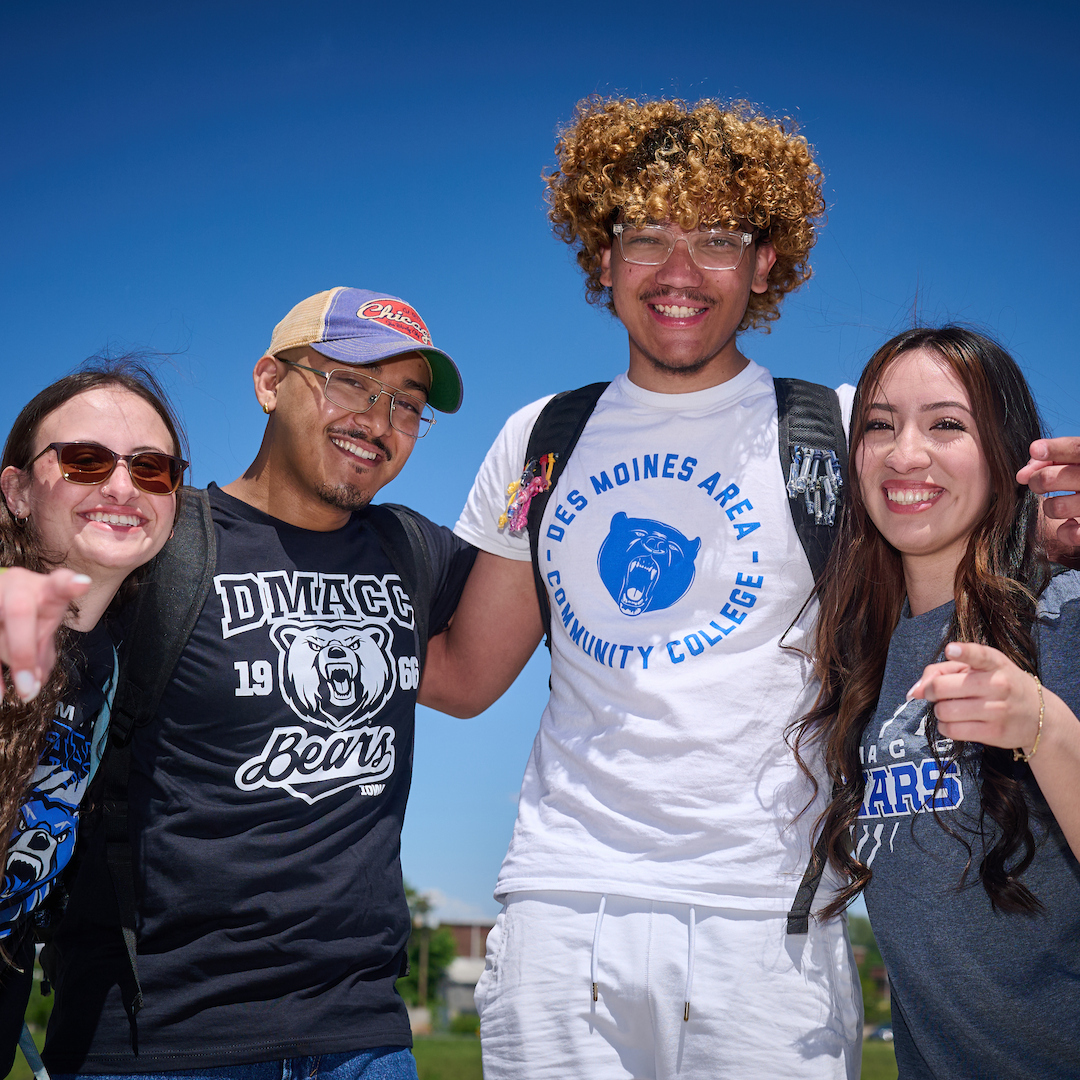
Get Ready to Become a DMACC Bear!
After your application for admission is accepted and orientation season begins, you will receive an email from DMACC Orientation. We know you might have some questions in the meantime, and we hope to answer those for you here.
What is orientation?
Your orientation experience begins in Canvas, DMACC’s online learning platform. Throughout orientation, you’ll explore important information about student policies and procedures, academic programs, campus resources, support services, student organizations, paying for college, and other tools designed to help you succeed at DMACC.
When does orientation season begin?
- Fall Semester Orientation - Opens mid-April
- Spring Semester Orientation - Opens mid-October
- Summer Semester Orientation - Opens mid-March
How do I complete my orientation?
2. Open Canvas
Click the Canvas icon to access your online orientation.
3. Complete Your Orientation
Review the orientation modules for your pathway and program and follow directions on Next Steps page.
For login assistance to your myDMACC, please contact DMACC Tech Support at 515-965-7300. We recommend completing your orientation using a windows computer.
Frequently Asked Questions
Orientation is required for new, degree-seeking students and students who have changed programs or have not attended classes for a certain length of time.
The following types of students are not required to complete orientation: guest students who primarily attend another college and non-degree seeking students.
Your assigned advisor and contact information is listed on the Next Steps page in your online orientation. You can also find out who your advisor is in DegreeWorks.
Information on the registration process is included in the online orientation. Some programs have restricted registration requirements.
Once orientation season is open, emails are generated approximately 24 hours after an admissions application is moved into an “accepted” status (excluding some weekends).
Verify the email address and other contact information are correct in Banner Self Service within myDMACC. If everything is correct, check Canvas to see if orientation loaded.
If orientation is not available in Canvas, there may be an issue with your admissions application. Please contact the Orientation Team at orientation@dmacc.edu for assistance.
Accepted students may have opportunities for in person orientation events welcoming students to the various DMACC campuses. Watch your orientation content and DMACC email to sign-up.
We look forward to welcoming you to the DMACC community!